








As the demand for higher transmission rates continues to grow, the quantity of equipment and cables in data centers has also been gradually increasing. However, disorganized cables can lead to network failures, making cable management an indispensable task in data centers. When it comes to cable management, people generally think of cable managers.
Cable Manager is important For Cable Management in Modern Data Centers.As demands for accelerated data rates intensify, data centers face exponential growth in both equipment and cabling infrastructure. Haphazard cable arrangements risk network instability, elevating systematic cable management from routine task to critical operational requirement. Central to this discipline are cable managers – the unsung heroes of organizational efficiency.
1. Defining Cable Managers
Commonly referenced in data center operations, cable managers (also called cable organizers) are rack-mounted solutions that secure and route cables into structured configurations. These devices maintain visual order while optimizing airflow and accessibility in dense computing environments.
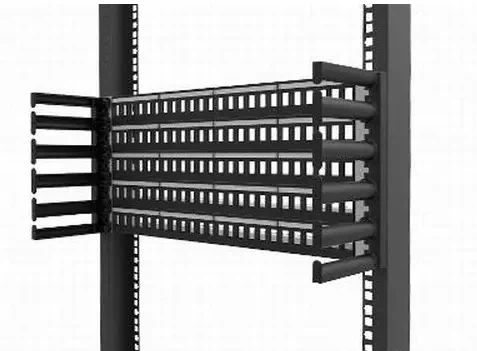
2. Functions & Operational Advantages
Cable managers serve dual engineering purposes:
Channeling cables into RJ45 Keystone Jacks (standard Ethernet connectors) along parallel pathways, eliminating performance-degrading right-angle bends
Minimizing electromagnetic interference (EMI) through organized cable segregation
Enabling scalable infrastructure through methodical port alignment, allowing single-cable modifications without system-wide disruptions
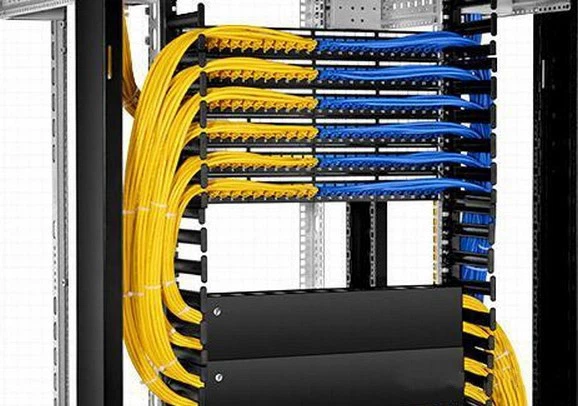
3. Cable Manager Types
Enclosed vs. Open Architectures
Two dominant horizontal management solutions emerge:
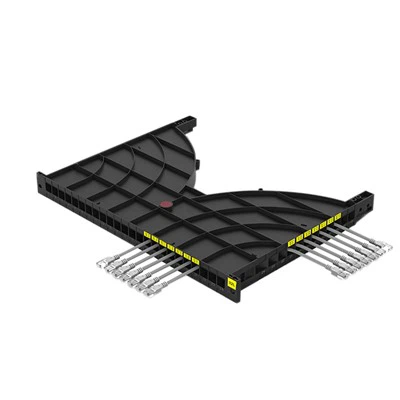
3.1 Raceway-Style Cable Managers [see Figure 1]
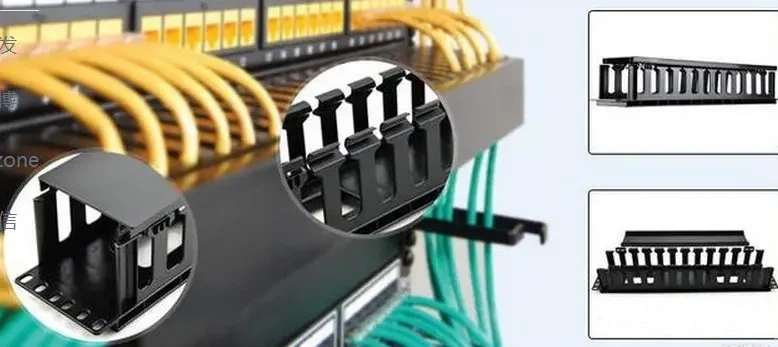
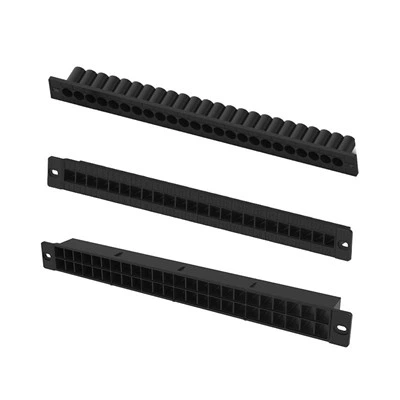
3.2 Open-Frame Managers [see Figure 2]
Pioneering the category, these high-capacity solutions feature adjustable strain relief loops that accommodate dynamic cabling needs. Their tool-free installation and modular loop configurations (available in 6-24 loop variants) suit evolving network topologies.

3.3 1U vs. 2U Cable Managers
Adhering to standard 19" rack widths, vertical dimensions follow rack unit measurements (1RU = 1.75"/44.45mm). Industry conventions dictate:
1RU managers: Optimized for fiber optic patching
2RU units: Engineered for copper cable density
Selection criteria should prioritize current needs while accommodating 25-30% expansion capacity.
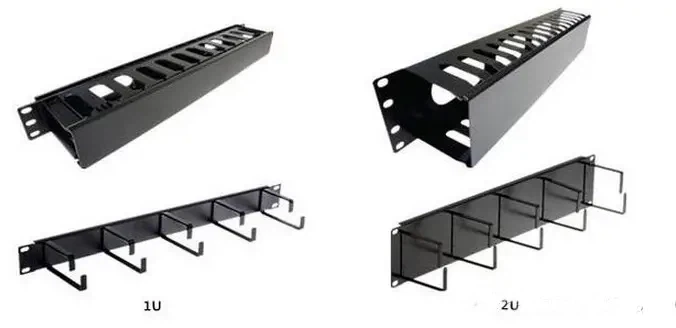
3.4 Plastic Cable managers
3.5 Metal Cable managers
Proven in mission-critical deployments, metal solutions deliver lifecycle durability exceeding 10 years.
4. Other categorizing methods:
Based on installation orientation, cable management tools are categorized into horizontal cable managers and vertical cable managers. Their functions vary slightly depending on their orientation. Horizontal cable managers conceal excess cabling at the rear of the cabinet, while vertical cable managers store surplus cables vertically.
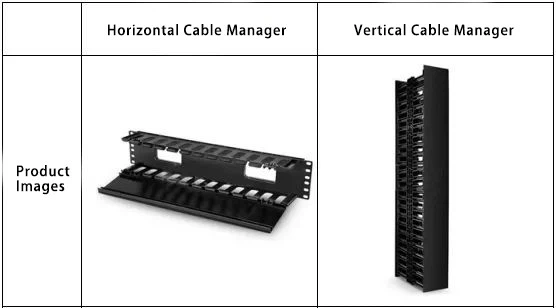
When there are too many patch cords within a cabinet, horizontal cable managers and vertical cable managers can be used together.
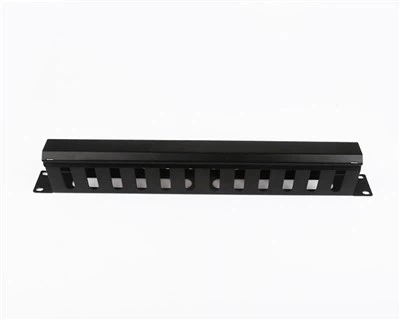
According to design type, they are classified as piano-key style and D-ring style.

Piano-key style focuses on securing individual cables into separate slots, while D-ring style focuses on arranging cables through rings. D-ring style is less commonly used because it lacks a cover plate, which can result in an untidy appearance if cables are not properly arranged.
Based on slot count, they are divided into 12-slot and 24-slot cable managers. The 12-slot cable managers feature larger openings that can hold up to two cables per slot, whereas the 24-slot models have smaller openings that usually fit just one cable per slot.
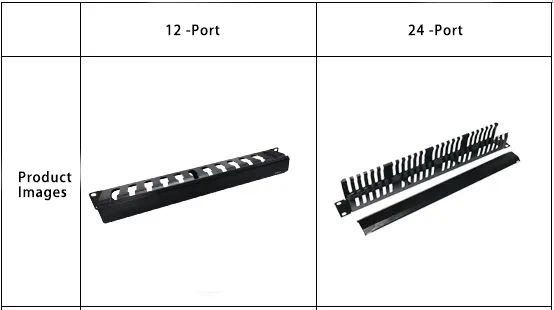
By material composition, there are plastic cable managers and metal cable managers.
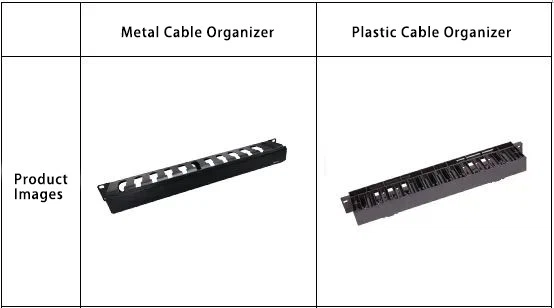
Plastic cable managers are inherently less durable; over time, excessive cabling may cause them to deform under pressure or degrade due to sunlight exposure. However, they are cost-effective and widely used. Metal cable managers are sturdier, avoiding these problems; they are safer and longer-lasting.
By unit size (U), they can be divided into 1U and 2U types. Since most rack-mounted network equipment is 19 inches wide, the width of cable managers is standardized at 19 inches. However, their height varies, measured in "U" units where 1U equals 44.45mm.
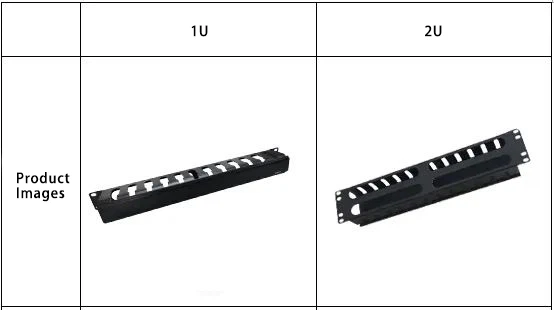
The most common sizes on the market now are 1U and 2U cable managers. When choosing a size for a cable manager, it’s crucial they meet current needs while allowing room for future growth. Typically, for a 48-port patch panel or two adjacent 24-port patch panels (one above and one below), a 2U cable manager can be positioned between them.
